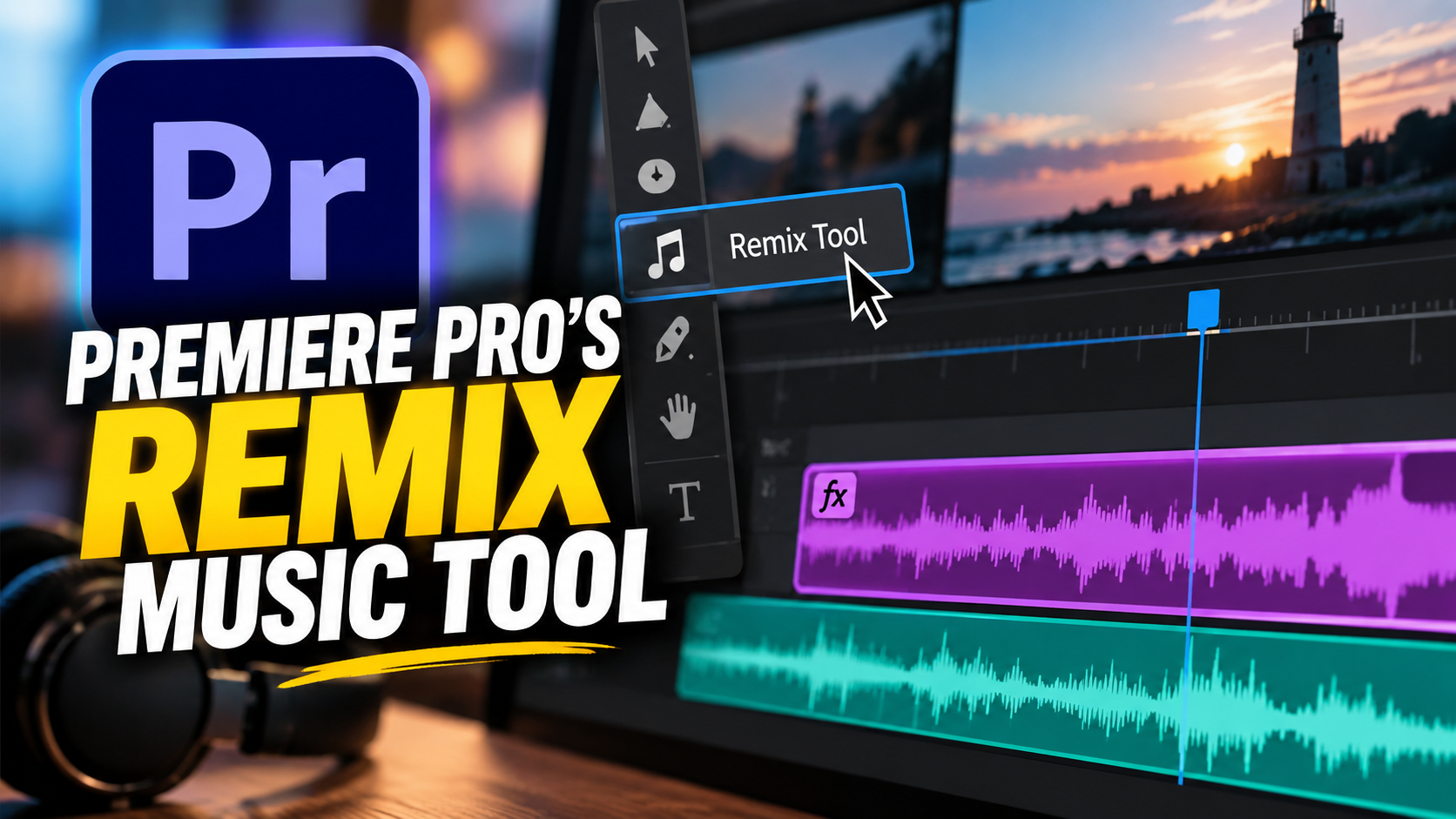
PREMIERE PRO’S REMIX MUSIC TOOL
A simple tool that’ll help polish your edits!
One of my favorite tools in Adobe Premiere Pro is also one I’m surprised more editors don’t use: Remix.
We’ve all been there. You find the right piece of music, but it’s two minutes long and your edit is only 45 seconds. You can start cutting up the track yourself, looking for beats and transitions—or you can let Premiere do a lot of that work for you.
The Remix tool analyzes the music and intelligently restructures it to fit the length of your edit. You simply choose Remix, adjust the track to the duration you need, and Premiere creates a new arrangement.
It’s not completely hands-off. I still listen carefully to the transitions and use the Segments and Variations controls when I want Premiere to find a different solution. Sometimes I’ll also use sound design to help a musical transition feel more natural.
That’s really the point: AI can handle some of the mechanics, but the editor still makes the creative decisions.